Wi-Fi
All regularly enrolled students, as well as teaching and technical-administrative staff, can access the University's wi-fi network, both at Palazzo Gallenga and within the campus on Viale Carlo Manuali.
Useful guides
Eduroam
Eduroam - Education Roaming is a service that provides secure wireless network access to members of the international scientific community.
Users from an institution participating in EduRoam, such as the University for Foreigners of Perugia, who visit another participating institution can access the wireless network with their own credentials (username and password).
Information for using Eduroam
At our University, the implementation uses the WPA2/AES (Enterprise) protocol. On most modern operating systems, the connection does not require complex manual configurations.
System requirements
To access the network, you need:
- Hardware: A device with a wireless card compliant with IEEE 802.11a/b/g/n standards (2.4 GHz and 5 GHz).
- Software: An up-to-date operating system and drivers with support for WPA™ - Enterprise.
- Network: The device must be set to automatically assign the IP address (DHCP).
Configuration parameters
If your device does not connect automatically (a common case on Android systems), enter the following parameters manually:
- EAP Method: PEAP
- Phase 2 Authentication: MSCHAPv2
- CA Certificate: Select "Do not use" or "Trust on first use"
- Minimum TLS version: TLS v1.2 (if required)
- Domain: unistrapg.it (if required)
- Identity: Your institutional email address
- Anonymous identity: Your institutional email address
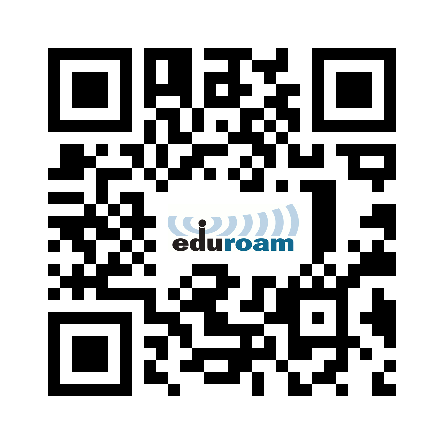
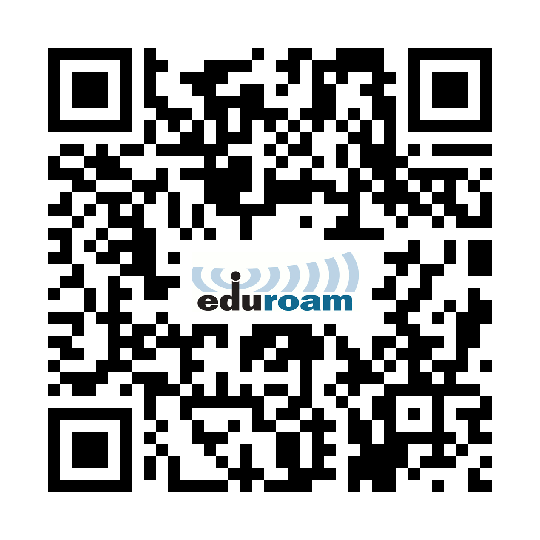
It is possible, through the "Eduroam CAT" service (Eduroam Configuration Assistant Tool), to download and install the software for the automatic configuration of the aforementioned service.
For users of the type user@unistrapg.it:
For users of the type user@studenti.unistrapg.it:
The user is responsible for the proper use and safekeeping of their access credentials and must:
- take all measures aimed at preventing misuse and disclosure to third parties: credentials are strictly personal
- ensure that they are connecting to an authentic Eduroam Resource Provider, for example by examining the certificate of the authentication RADIUS server and connecting only to networks protected by the 802.1X service
- immediately inform their Identity Provider if they suspect any security breaches
- even though there are guidelines that all institutions must refer to for information on service coverage and features (open ports and firewall rules), you MUST ALWAYS refer to the host institution